
Same aircraft
Load the same title on both PCs. Packs follow the sim name.
Microsoft Flight Simulator 2020 & 2024
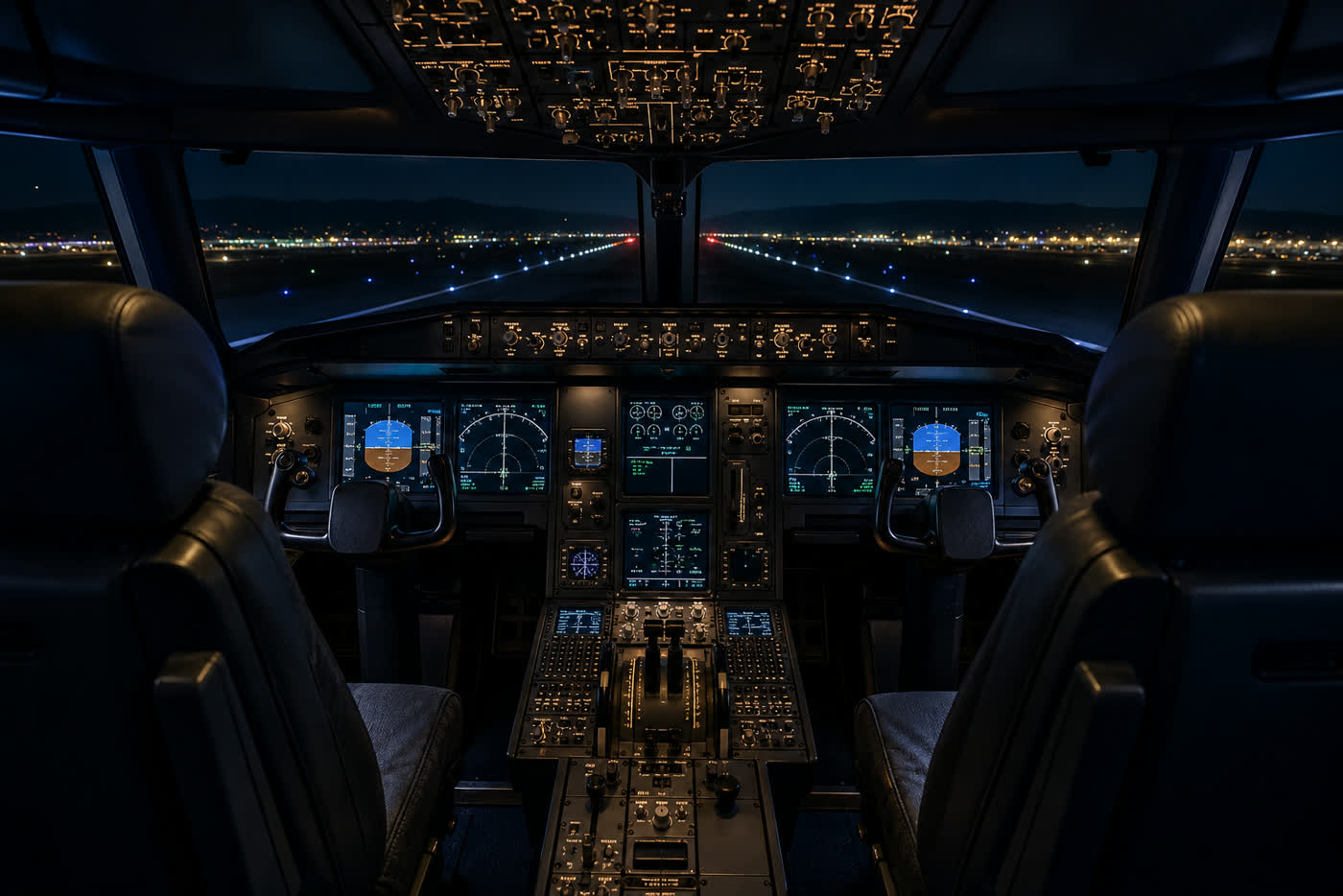
Captain on one PC, first officer on the other. Same aircraft, same parking. Host starts a deck and sends the six-character code.
 Download SharedWingsX
Windows installer · 0.4.72 · ~95 MB
Windows and Linux, no account
Download SharedWingsX
Windows installer · 0.4.72 · ~95 MB
Windows and Linux, no account
Load the same title on both PCs. Packs follow the sim name.
Same parking, weather and time. One world, two seats.
MSFS multiplayer on means two airframes. SharedWingsX is not that.
If those three are wrong, the guest will not follow. Fix spawn first, then throttles.
Host and join on one window. Same build on every PC.
SharedWingsX 0.4.72
K7MP2Q
Host starts a deck. Guest types the code.
No Community drag-drop
No port forwarding
PMDG to stock, same app
Presence in the other seat
Universal SimConnect layer for every MSFS aircraft: PMDG 737, 777, 747, Fenix, iFly, Asobo. Dedicated packs for C172 and 787-10. Aircraft files stay untouched. Payware CDU, EFB and FMS are not a second identical box. Flight controls, thrust, gear, flaps, radios and ATC sync.
Run Setup. Presence is copied into Community. No extra runtimes.
Run SharedWingsX-Setup.exe. Presence is copied into Community.
Same aircraft, same spawn, same weather. Multiplayer off. Crash physics off.
Host clicks Start deck. The other pilot pastes the six-character code and clicks Connect.
Captain left, FO right. Hand over flying on the person.
Yes. Download the Windows build. No account, no subscription.
Yes. Everyone uses the same EXE. Nobody picks extra definition files.
SharedWingsX syncs the cockpit between both pilots. Captain left, first officer right. Radios and ATC for both; you hand over flying on the person.
Yes. SharedWingsX is not vPilot or Altitude. The captain logs into the network as usual. The first officer connects as observer (same callsign, extra letter, observer mode). Radios in the sim sync through SharedWingsX. Turn AI traffic off so you both see the same picture. One person files the plan: the host.
No. No router, no port forwarding. SharedWingsX tries a direct link first. If that fails it falls back to the cloud on its own. You only share the code in the app.
Yes through the universal layer: PMDG, Fenix, iFly, Asobo and the rest of MSFS. Yoke, thrust, gear, flaps, radios and ATC sync. The payware CDU, EFB and FMS are not a second identical box. On Fenix, let the captain set fuel and payload, use one transponder, and expect standby radios and some overhead clicks to drift. On PMDG, baro and some MCP keys follow whoever is flying. Dedicated packs (C172, 787-10) cover more of those aircraft.
SharedWingsX is not Microsoft Flight Simulator multiplayer. Keep MSFS multiplayer off so you do not get two airframes in one world. Only the captain writes flying controls. The first officer has radios, MCP and overhead. Shared switches use a short last-mover lock so both sims do not pull the same lever. Fuel, payload and time stay with the captain when the FO is not flying, so autothrottle does not fight. We do not stack a second physics engine on MSFS. Jump seats watch only. Same aircraft, spawn, weather and time remain required.
Load the same flight plan in both FMCs (SimBrief on both PCs). SharedWingsX does not clone the whole payware CDU or tablet keyboard. The first officer sees the same radios, squawk and MCP as they move. VATSIM/IVAO: captain runs vPilot or Altitude; first officer is observer. smartCARS, Volanta and similar trackers run on the captain’s sim (one flight). SharedWingsX does not replace those apps; they sit next to it.
Yes. The footer lamps show which sim is running. Both PCs need the same sim. A 2020 title loaded in 2024 can miss lights, trim or touchscreens. If the guest stops moving, reconnect: only the captain writes world pose.
SharedWingsX is made by BluNova Virtual Airlines. SmartScreen shows Unknown publisher until Setup is signed with a Windows code-signing certificate in that company name. Until then: More info, then Run anyway.
Same installer on both PCs. No account.
Download SharedWingsX
Windows installer · 0.4.72 · ~95 MB